


How to Fix YouTube “Error 153 – Video Configuration Error” on WordPress (Safari & Chrome)

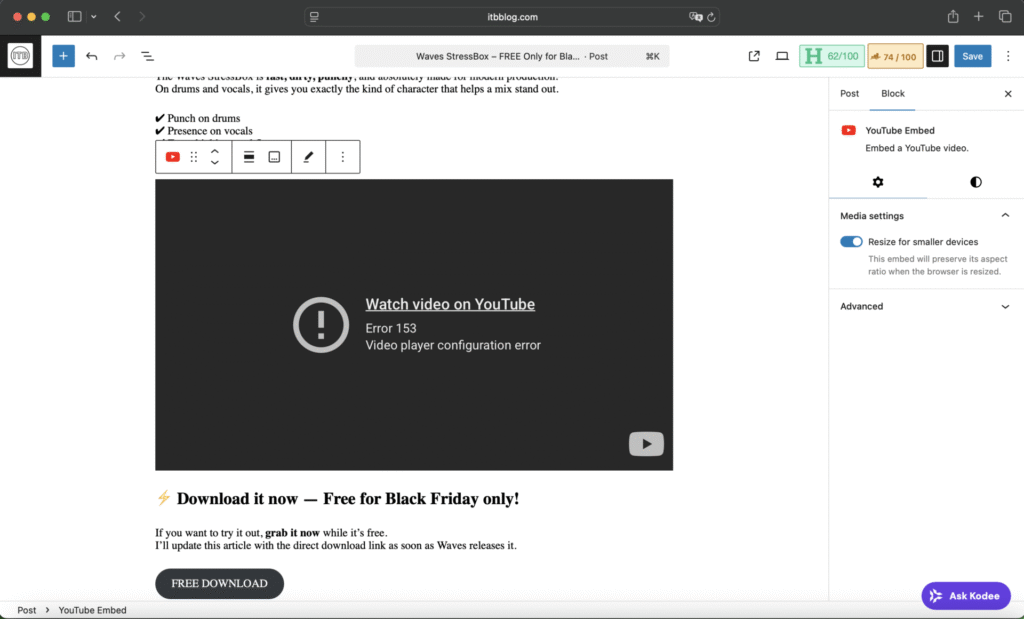
If your embedded YouTube videos suddenly stopped working on your WordPress site — especially when using Safari— you’ve probably run into the Error 153 – Video Configuration Error.
This issue is extremely common and is almost always caused by the browser, not your website.
In this guide, I’ll show you the step-by-step solution for Safari and Google Chrome, so your videos load correctly again.
✅ Fixing Error 153 on Safari (FULL STEP-BY-STEP GUIDE)
Safari is known for its strict privacy features, and these settings can block YouTube embeds inside WordPress, causing Error 153.
Follow these steps carefully:
1️⃣ Go to:
Safari → Settings → Privacy

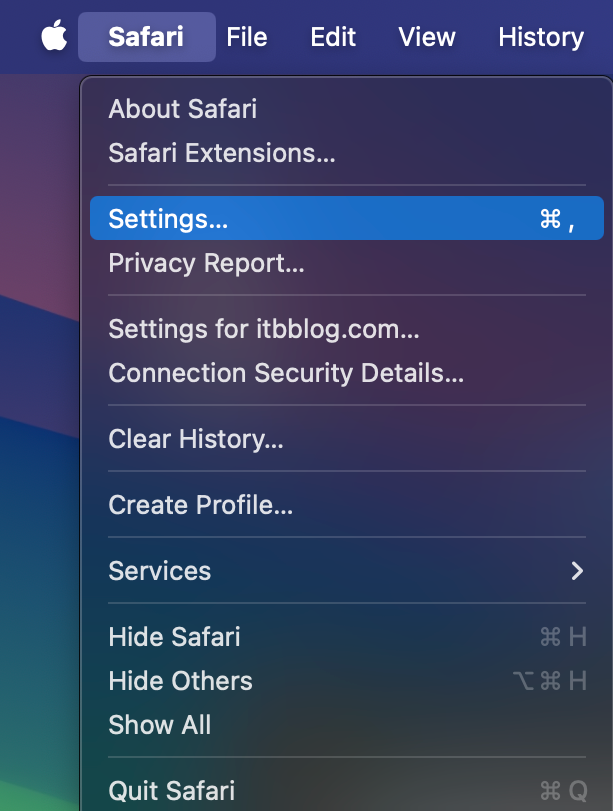
(You’re already in the correct area if your settings window looks like the screenshot you shared.)

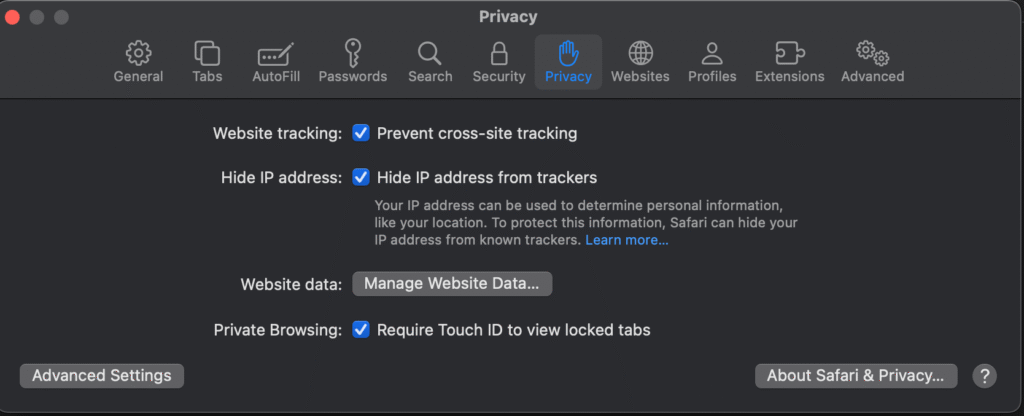
2️⃣ Disable these two settings
Turn OFF:
- ❌ Prevent cross-site tracking
- ❌ Hide IP address from trackers (optional but recommended)
Why this matters:
YouTube embeds require cross-site tracking to load correctly. When Safari blocks it, the video player returns Error 153.
3️⃣ Clear ONLY the site data related to YouTube and your website
Still inside Privacy, click:
Manage Website Data…
Use the search bar and delete ONLY:
youtubegooglegstaticytimg
Then search for your domain, e.g.:
inthebox.info
And remove it as well.
⚠️ Do NOT clear all browsing data — only the entries listed above.
Restart Safari afterward.
4️⃣ Reload the page without using cache
Press:
⌘ + Option + R
This forces Safari to load the page fresh, bypassing cached errors.
5️⃣ Recommended additional checks
Go to:
Safari → Settings → Websites → Auto-Play
Set to: Allow All Auto-Play
Safari → Settings → Websites → Content Blockers
Turn Off for your website
These two settings ensure Safari doesn’t block media playback.
🔥 After applying these steps, YouTube embeds work again 100% on Safari.
✅ Fixing Error 153 on Google Chrome
Chrome usually handles YouTube embeds better than Safari, but the error can still appear due to cache issues or extensions blocking third-party content.

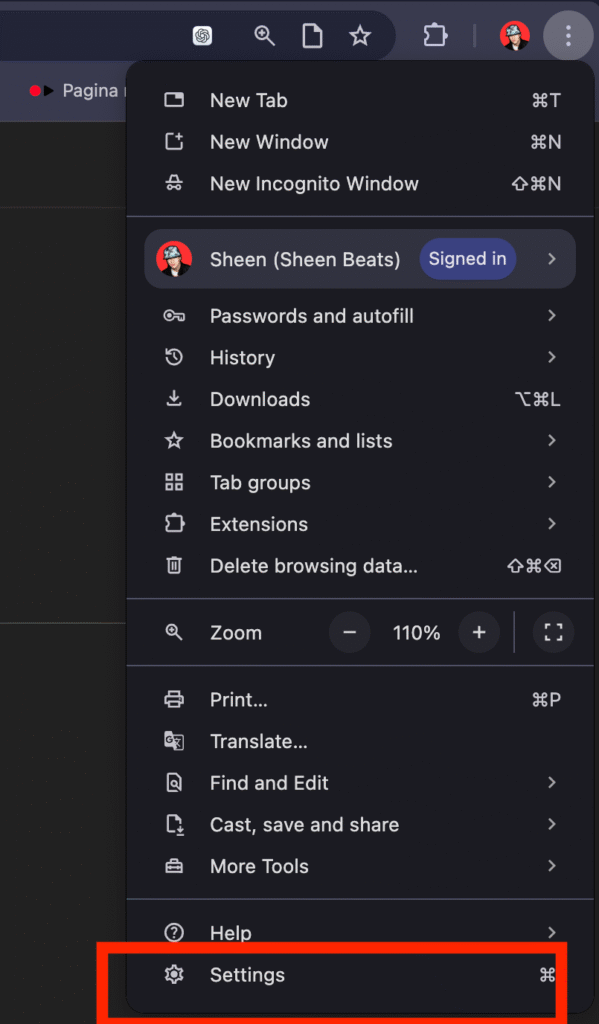
1️⃣ Clear your browser cache
Go to:

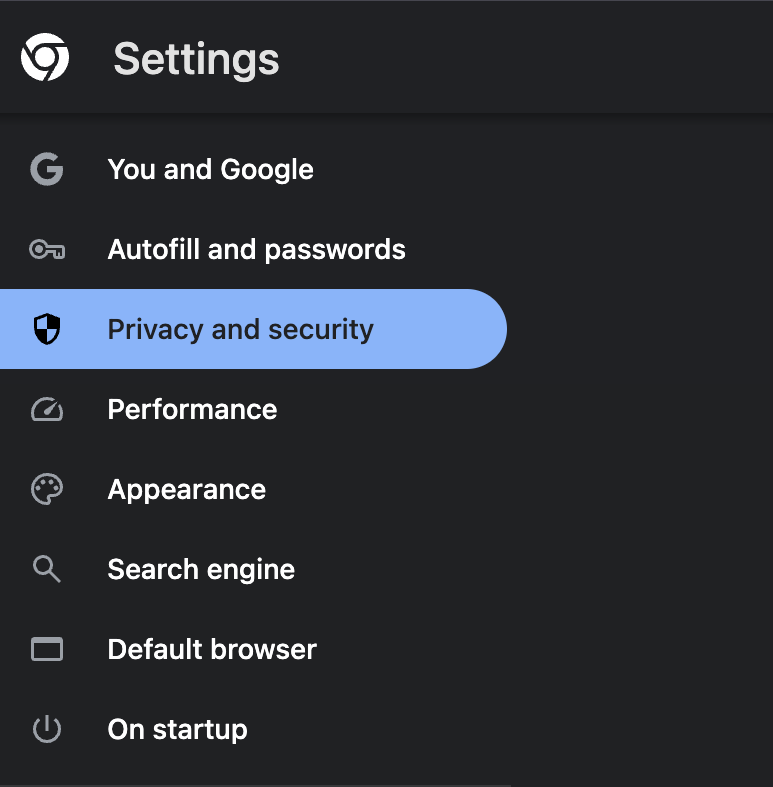
Chrome → Settings → Privacy and security → Clear browsing data
Tick only:
- ✔ Cached images and files
- ✔ Cookies (optional)
2️⃣ Disable problematic browser extensions
Type into the address bar:
chrome://extensions/
Temporarily disable:
- AdBlock / uBlock
- Ghostery
- Privacy Badger
- Any tracker blockers or security extensions
Reload your website after disabling extensions.

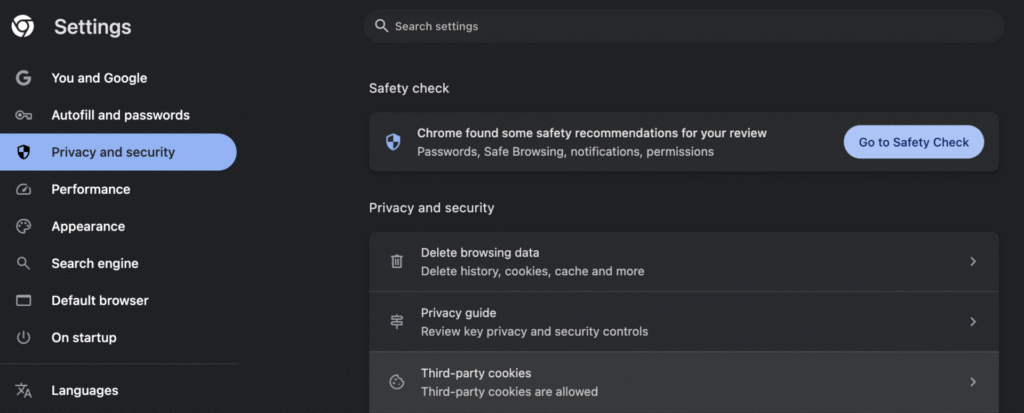
3️⃣ Allow third-party cookies
Go to:
Settings → Privacy and security → Cookies and other site data
Choose:
✔ Allow all cookies
OR, for a more controlled option:
✔ Block third-party cookies in Incognito


4️⃣ Reset site permissions
Click the lock icon next to your site’s URL →
Site settings → Reset permissions
Refresh the page and test again.


🎯 Conclusion
The YouTube Error 153 – Video Configuration Error is almost always caused by browser privacy settings, not by your WordPress site.
Safari fix:
Disable cross-site tracking → remove YouTube & site data → reload without cache → adjust autoplay & content blockers.
Chrome fix:
Clear cache → disable extensions → allow cookies → reset permissions.
After following these steps, your YouTube embeds should work flawlessly again.