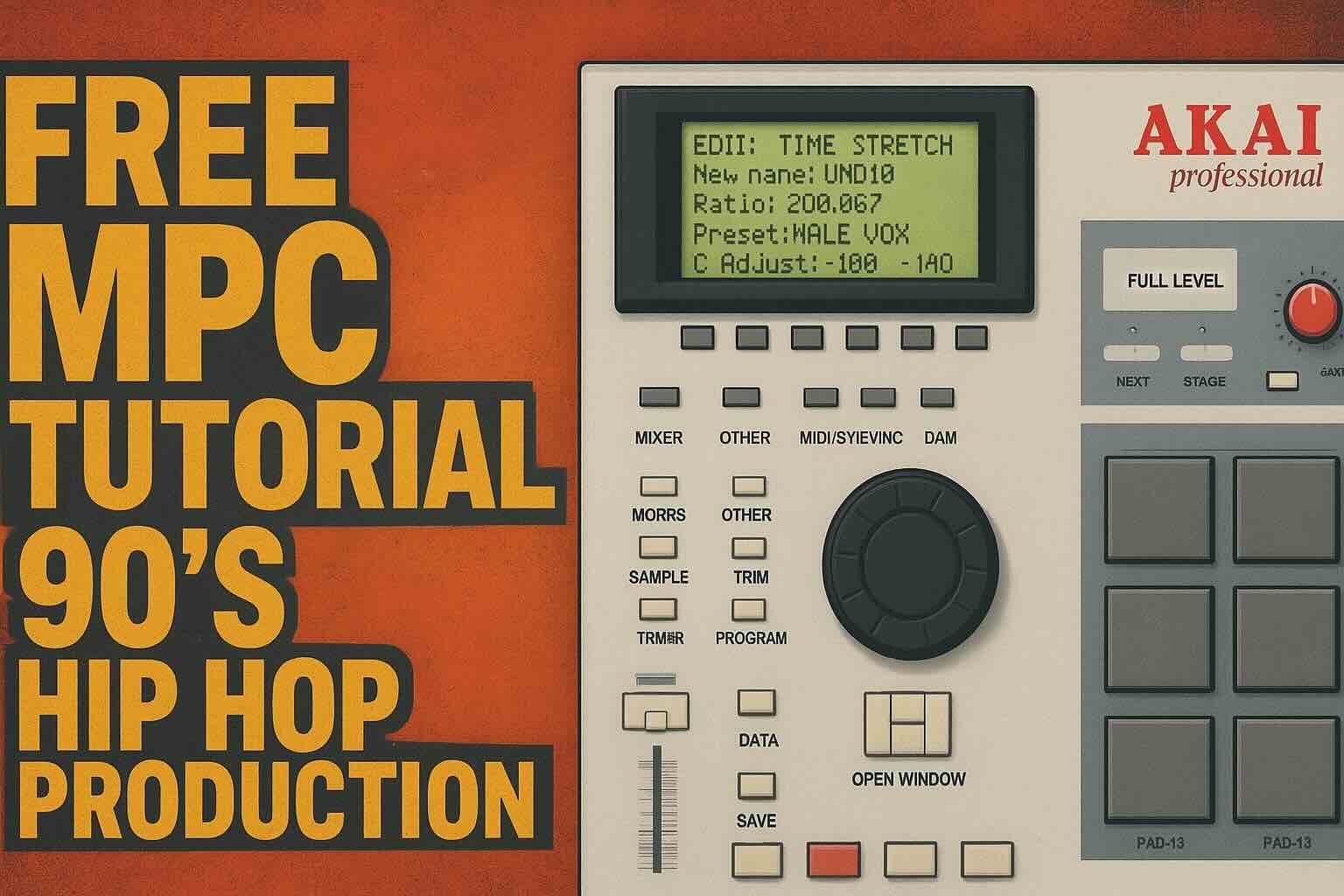
In this fourth lesson, we dive deep into beat making using only our FREE MPC standalone app.
Choosing and Setting Up Your Sequence
The first step is to choose a sequence. But what exactly is a sequence? A sequence is essentially our MIDI container inside the DAW, which holds the BPM, bar length, meter, and other settings.
You can create multiple sequences—for example, a short 4- or 8-bar sequence for an intro, and another 16-bar sequence for the first verse. Today, we’ll focus on the intro. I picked a random BPM for now, which can be adjusted later depending on the sample we’ll use. Let’s rename our sequence “Intro” to keep things organized.
Loading a Sample into the MPC
Press Shift + 3 on your Mac keyboard to go to Load. Navigate to your folder and load the sound into the MPC. In my “Sheens” folder, I have all my vinyl samples. I go into the Arsenal folder and find the 115 BPM Bonobo sample—a classic we’ve heard in many tracks.
Press Do It, assign it to pad 13, and then press F5. Try out the sample, then go to the Main Screen to adjust the sequence BPM to match the sample (115 BPM in this case).
Rename Track 1 to “Sample,” so it’s easy to identify later. Press L and then the spacebar to start recording your intro in 4/4 using the sample. Tip: wait for the bass to kick in before recording to stay on beat. Don’t worry if you make mistakes—you can always undo using the Erase function. Just select the track and erase the recording; this won’t delete the pad sample. Now you can re-record if needed.
Adding Drums
With the sample recorded on Track 1, it’s time to add drums on Track 2. Think of Tracks (TR) as where you record MIDI, and S (Source) as the instrument that will play. I want Track 2 to play drums, so I change the source to Drum2. Each drum bank can hold a program, which is a collection of samples assigned to the 16 pads.
Now, assign drum samples to a new program on Drum2. We create a new program called NewPrm-B, separating the sample from the drums. Load your drum kit—like a Basic Kit—and test it by pressing Play. Experiment with playing the sample alongside the drums.
Once you’re ready, press L and the spacebar to record your drum pattern.
Saving Your Work
When saving, make sure to save All Sequences and Sounds, and most importantly, each Program and Sound individually. In our example, we had three programs: Program 1 for the sample, Program B for drums (later replaced by a full Basic Kit). Always rename programs when prompted to avoid confusion.
To understand better, go to Program → Shift + 6 and select a program. If nothing is loaded, no sound will play. Selecting Program 1 will play the sample, while the Basic Kit will play the drum sounds. If needed, you can clear pad sounds or programs from Program → Shift + 6.
This lesson demonstrates the basics of setting up a sequence, loading samples, layering drums, and properly saving your work. By following these steps, you can start building complete hip-hop beats entirely on your MPC.
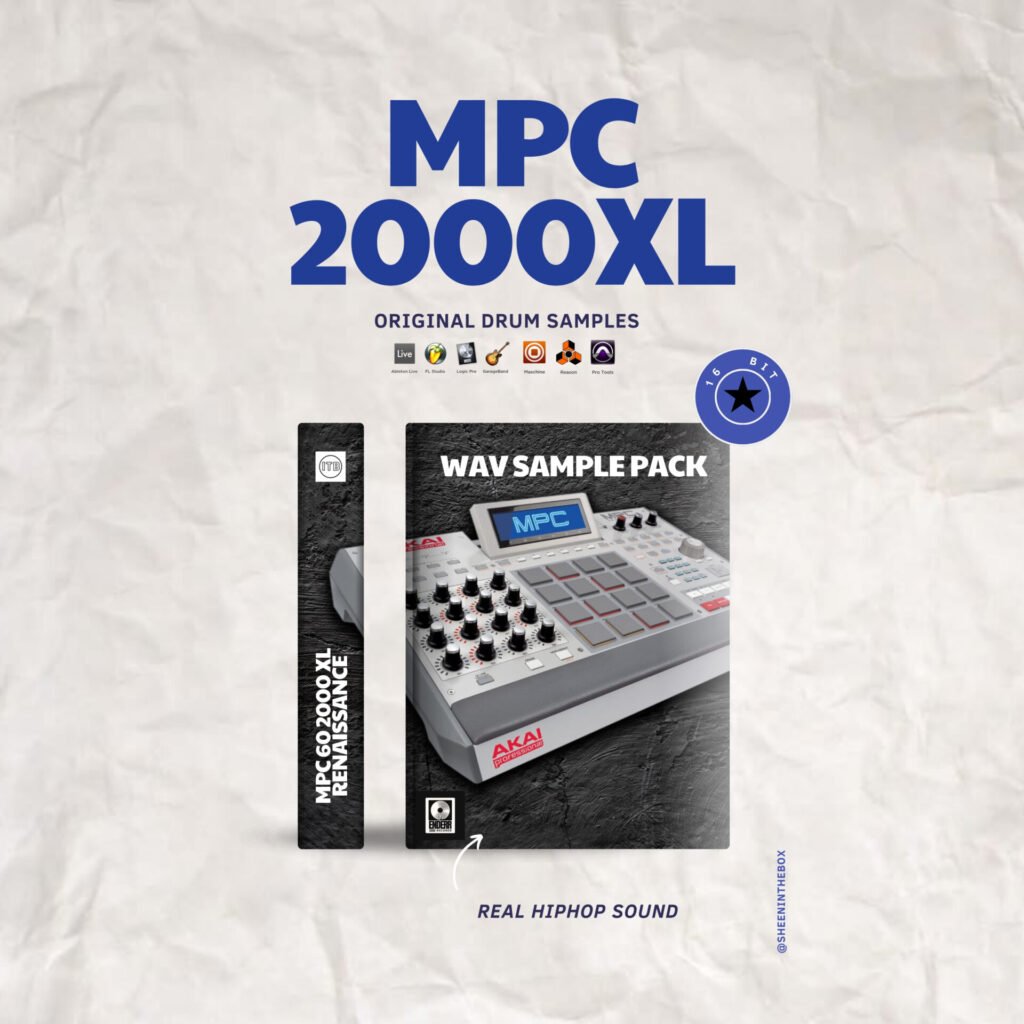
MPC 2000XL DRUM SAMPLES
Unlock the legendary sounds of the MPC with this meticulously crafted sample pack. Designed for producers, beatmakers, and musicians who crave authentic hardware tones, this collection delivers the classic punch, warmth, and character of one of Akai’s most iconic drum machines. Every sample has been carefully extracted and converted into 16-bit / 44.1 kHz WAV files, ensuring maximum compatibility across all major DAWs, including Logic Pro, Ableton Live, FL Studio, Pro Tools, and more.